partypoker Carousel
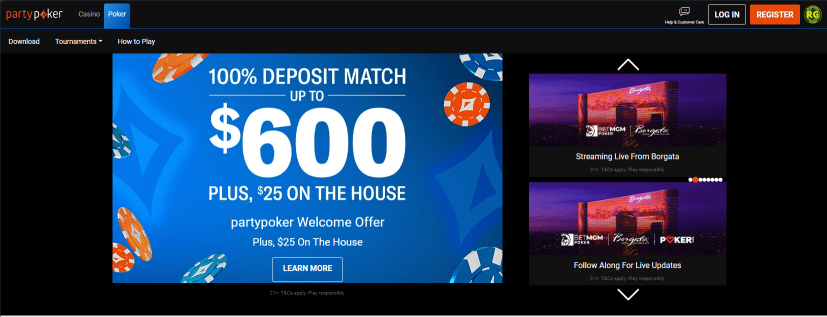
For partypoker's carousel, it is structured differently, the layout is different and in Sitecore it is also created on a separate path.
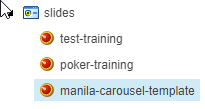
Content > Vanilla.Mobile > m2.nj.partypoker.com > MobilePoker-v1.0 > index > slides
Creating Your Carousel
Duplicate the template named manila-carousel-template.
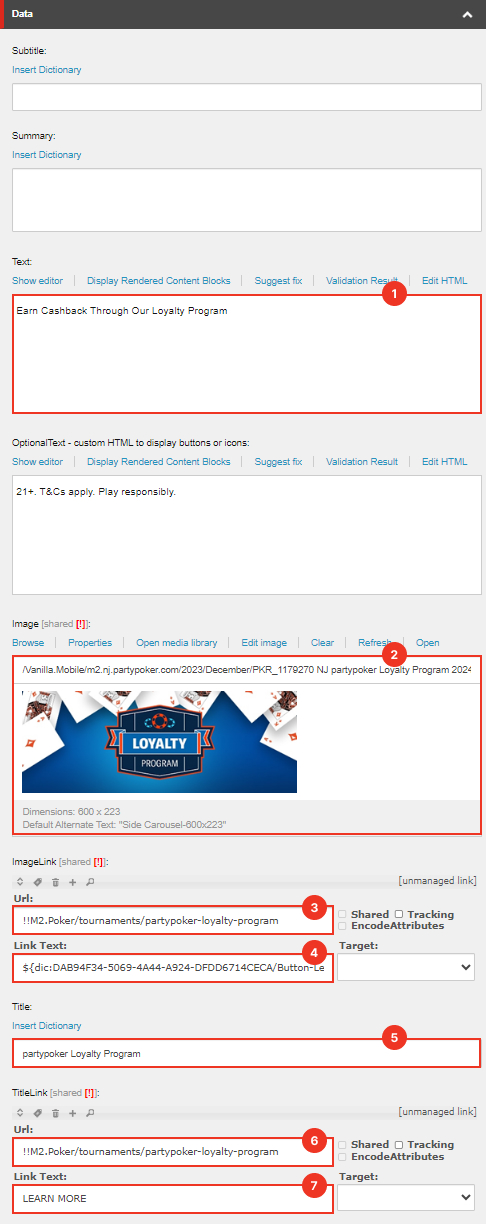
Required Fields
Field | Value |
|---|---|
Data | |
Text | There are options:
|
Image | Side Carousel-600x223 |
ImageLink URL | See CTA Guide |
ImageLink Link Text | If the text value is "Learn More" paste this value: But if not replace it with the appropriate text |
Title | Promohub Key Terms Title |
TitleLink URL | Should be the same as ImageLink URL |
TitleLink URL | Should be the same as ImageLink Link Text. But if the text is "Learn More" no need to apply custom value. |
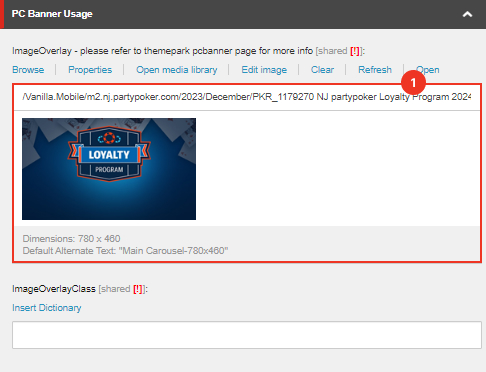
PC Banner Usage | |
Image Overlay | Main Carousel-780x460 |
Filter New builds
Like the default poker carousel, add a filter as stated in this section.
Pushing The Carousel
There is a different way when pushing the carousel in partypoker.
Navigate to this directory
Content > Vanilla.Mobile > m2.nj.partypoker.com > MobilePoker-v1.0 > index > slides
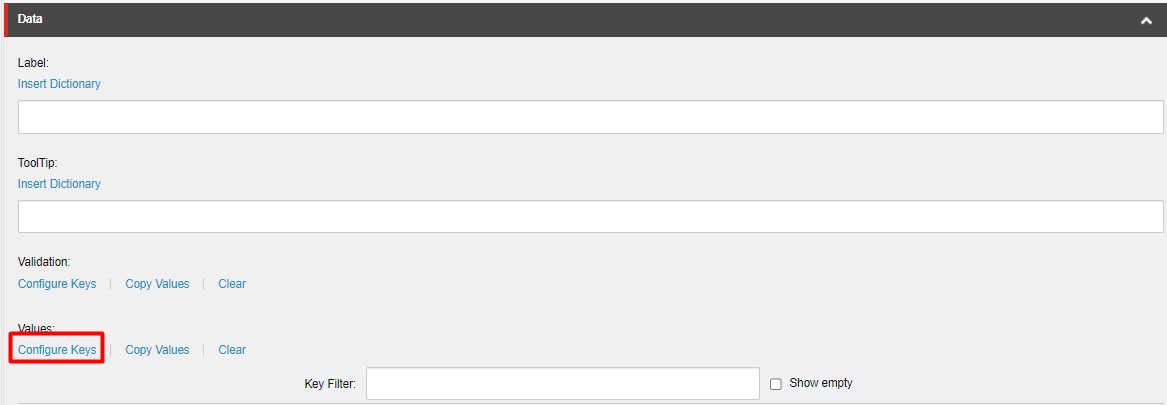 Under Values click Configure Keys
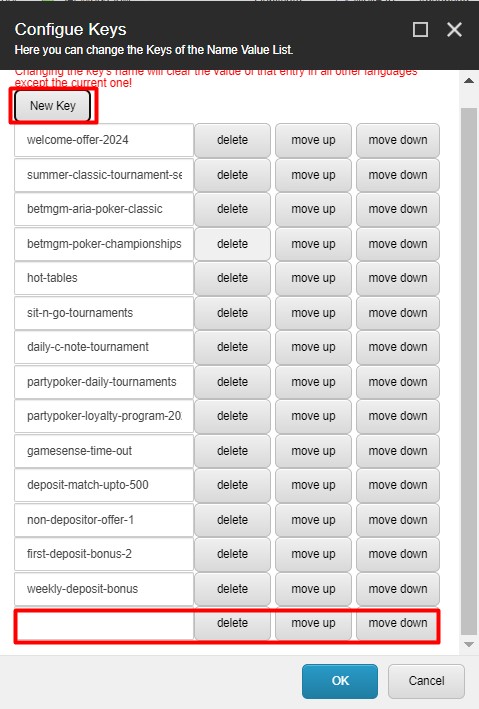 Upon clicking Configure Keys this window will pop up. Click New Key to add a new row, add the URL of your partypoker carousel and click OK.
Previewing The Carousel
To preview your Carousel go to your Product and State Website and then add your filter.
See example below:
https://poker.nj.partypoker.com/?qa=manila