Static Tile
Content > Vanilla.Mobile > state/brand > Promo > PromoHub > OfferTeasers > SpecialOffers > Active > Active > Casino or Poker or Sports
The Static Tile contains Promohub Tile asset, Promo Title, Promo Description, and CTA/s. Static Tiles are can be found in this URL https://promo.nj.betmgm.com/en/promo/offers for BetMGM NJ. Each promo can have its own static tile as seen in the sample below. The highlighted static tile is for Piggy Blitz Bet & Get Promo.
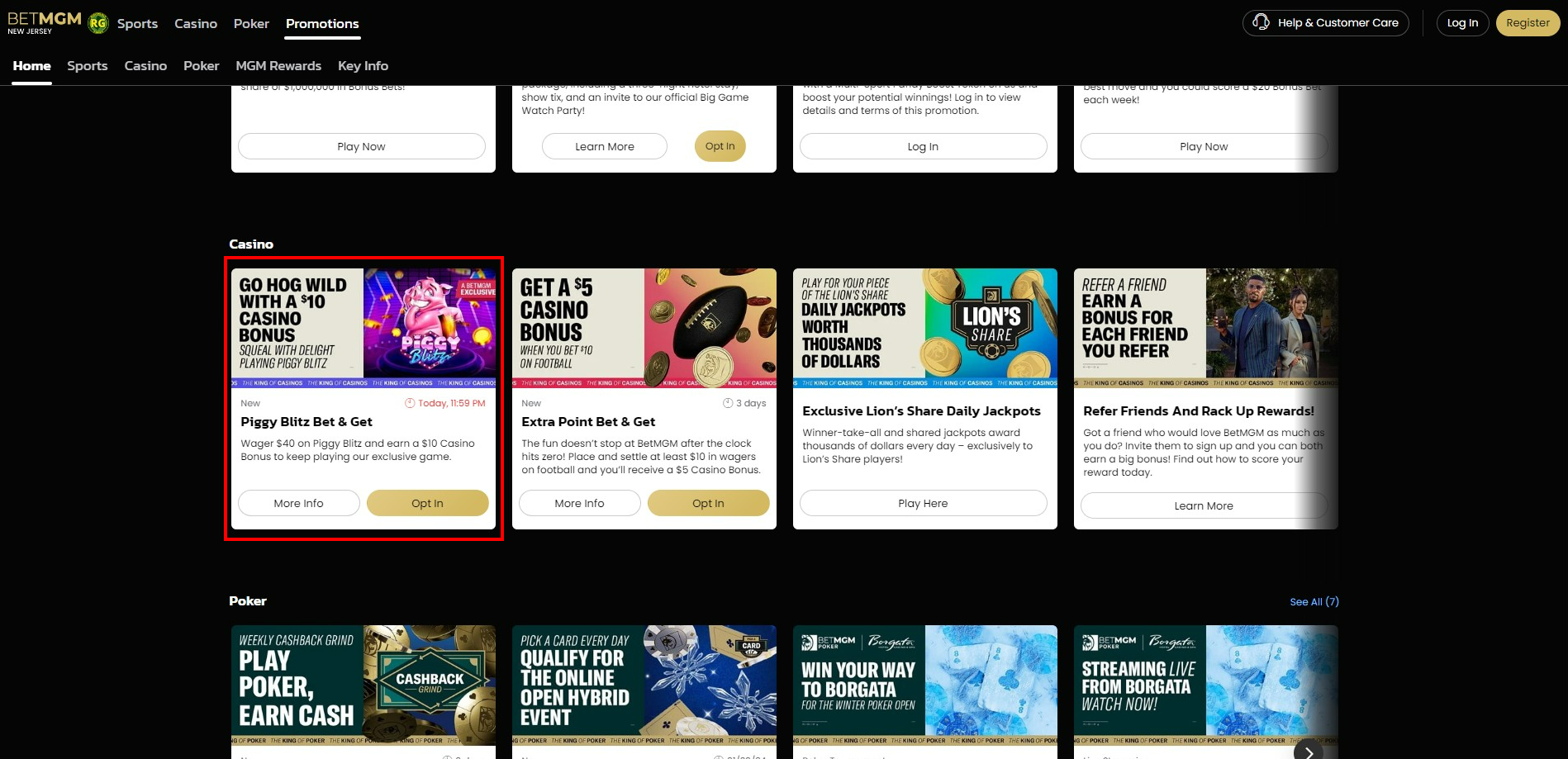
The are two template we currently use in building the Static Tile, the EDS Opt In Template and the Public Holiday or Event Bonus Drop Template.
To build a Static Tile you'll need the following:
- Promo Hub Key Terms (From the copy) H1
- Promo Hub Key Terms (From the copy) Short Summary
- Promohub Tiles-800x360 asset
- CTA/s
- Offer Badge
- Filter
Once, you're in the Sitecore Path for builng Static Tile. Do the following:
| Label | Desciption | Sample |
|---|---|---|
| 1. Duplicate OffersTeaser | Duplicate any existing OffersTeaser file, and rename it to your Ticket Name. | 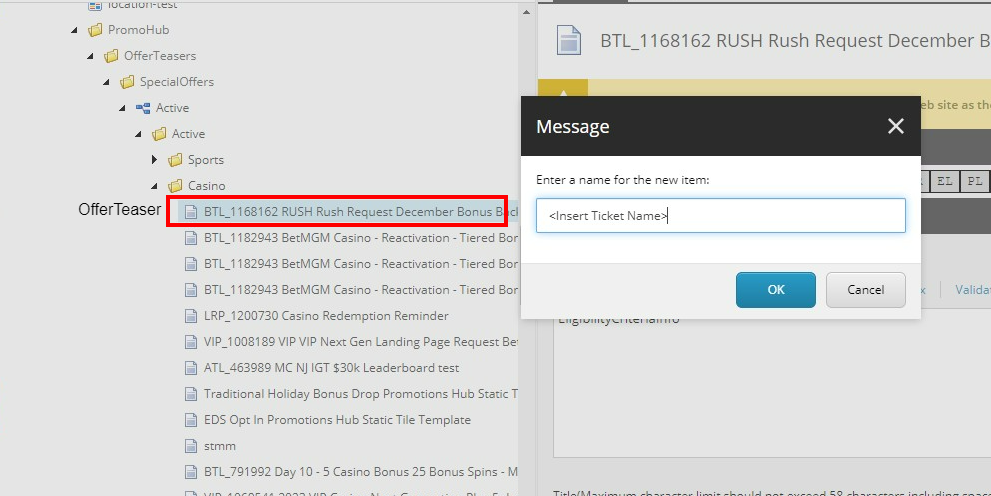 |
| 2. EligibilityCriteriaInfo | Paste this on the HTML EligibilityCriteriaInfo | 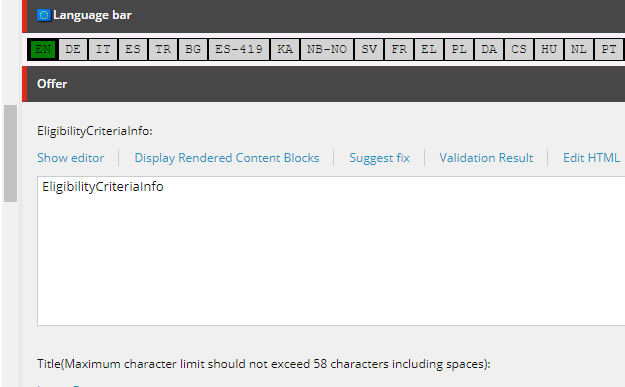 |
| 3. Title | Insert the Promo Hub Key Terms H1 | 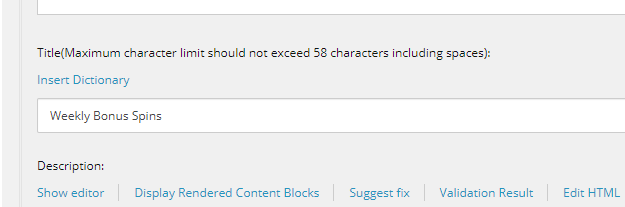 |
| 4. KeyTermsAndConditions | Insert here the Promo Hub Key Terms Short Summary | 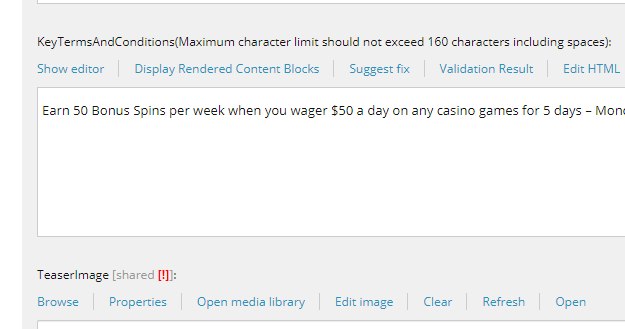 |
| 5. TeaserImage | Insert the Promohub Tiles-800x360 asset uploaded in your Creatives DL | 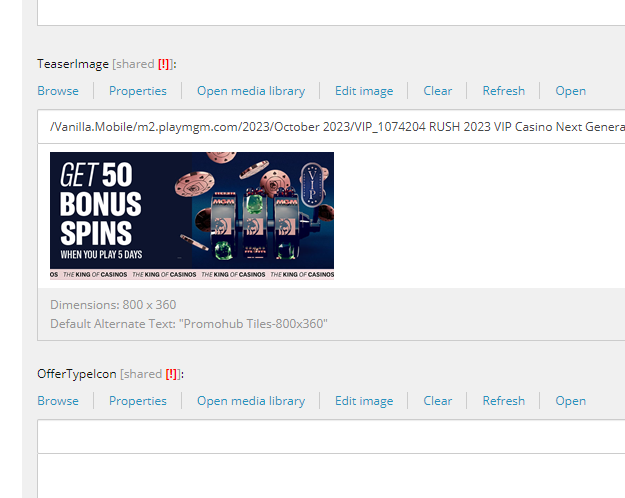 |
| 6. Produt | Make sure the right category is selected if your Tile is under Casino - Casino should be selected. And, IsHighPriority is Ticked ✅ | 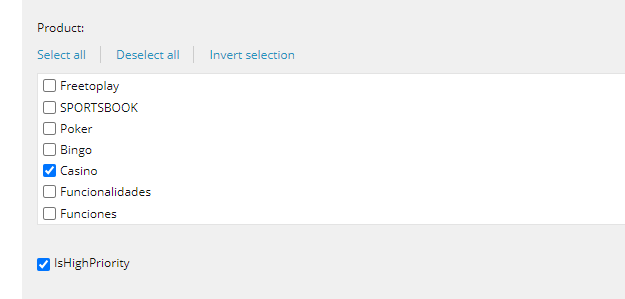 |
| 7. TeaserClass | Input make-me-look-awesome | 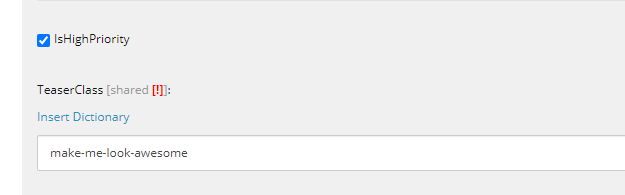 |
| 8. CTAs | In the PrimaryCTA, put the CTA if it is Opt In, otherwise put in the MoreInfoCTA like Learn More, Play Now, Claim Now. For the Target, if its opening a different site other than BetMGM choose _blank, else leave it blank. | 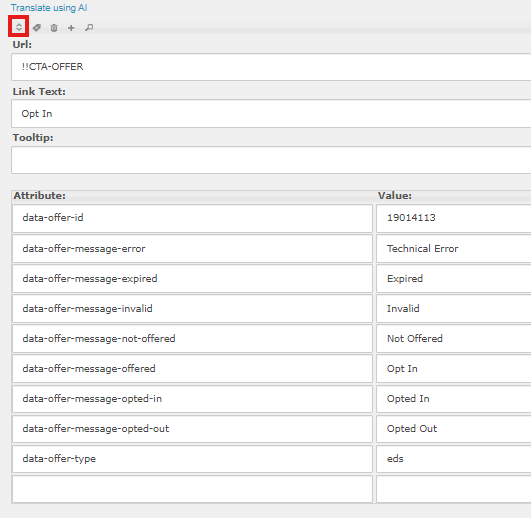 |
| 8.5. data-offer-id | If the promotion would run through EDS you need to change the data-offer-id to the EDS ID of the promotion and to do that you need to click the dropdown in the Primary CTA and change the data-offer-id with the EDS ID of your promotion. | 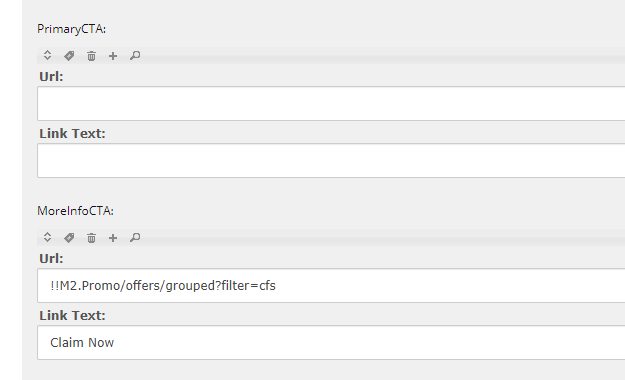 |
| 9. ManualTermsAndCondition | Should only contain <p>Manual Terms and Conditions....</p> | 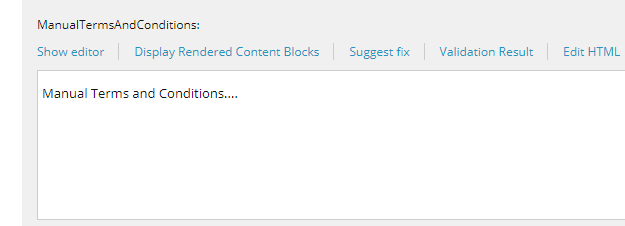 |
| 10. Order & OfferBadge | Order, simple type 0. For the OfferBadge, this Depends on your Promo Type. If its about Deposit Match then the OfferBadge will be Deposit Match | 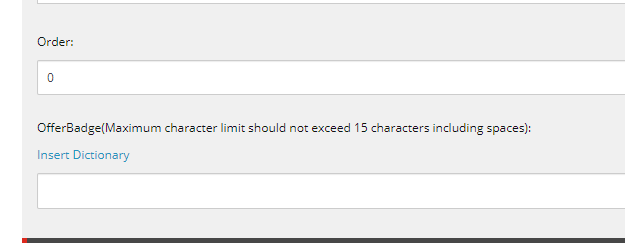 |
| 11. Filter Condition | Make sure to put your filter for newly build Static Tile. Sample Filter: QueryString.Get('qa') = 'manila' | 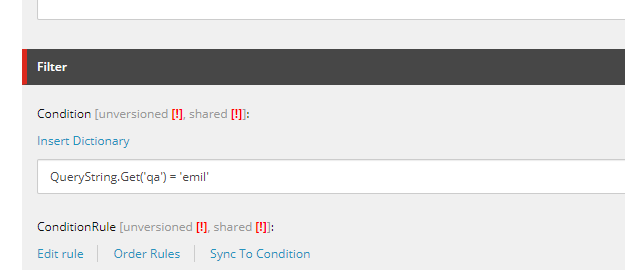 |
| 12. Publishing Section | Clear the Publishing Date, and make sure the Never Publish is unticked. | 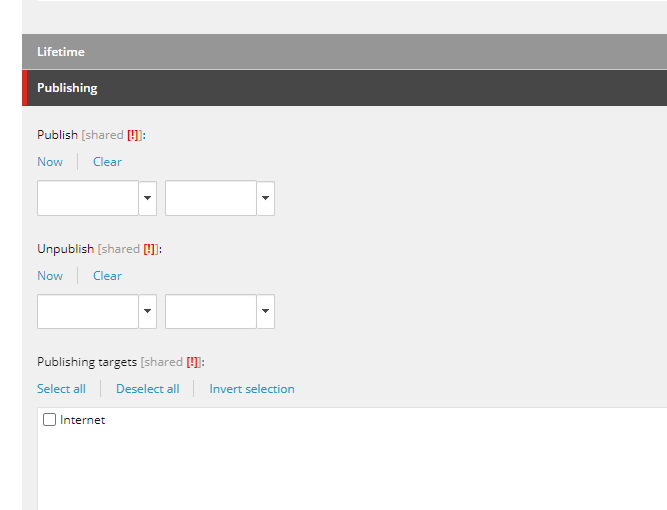 |
| 13. Screenshot Output | To check your output go to your State's Promotion Page and insert qa=manila at the end of the URL. Sample: https://promo.nj.betmgm.com/en/promo/offers?qa=manila | 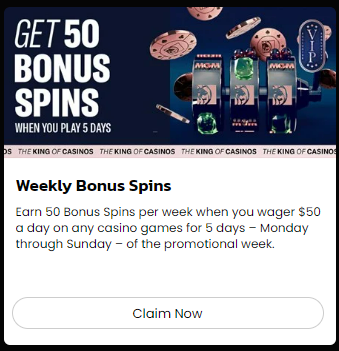 |
Then you're done. Get your Build's Direct Link and Paste it on Monday.
For any thunderbite promotions, please build out static tiles. Since these will never go through PAT, we always need one.