Claw Machine
Claw Machine is an Engagement tool for players to pay and win prizes.
The Layout
Here, you'll edit the layout of the Claw Machine. Follow the Path to start building.
SiteCore Path
content > Vanilla.Mobile > brand/state > Promo > Engagement > r
Duplicate File
- Right-click the file you want to duplicate.
- Rename the file to your URL
- Click OK
Application
Make sure to always use this path when creating the Layout for the Claw Machine.

Edit GrabberItems Section
- Click your file's drop-down icon (►), then go to ClawMachineLayoutItem.
- Edit the GrabberItems Section
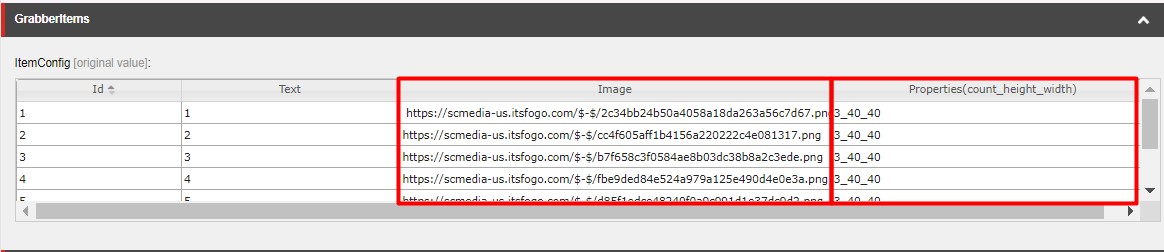
- Image - Use the
40x40images and place it in the same order as in the creatives folder order. - Properties -
3_40_40is the default on all rows but this can change depending on the number of40x40image in the creatives folder.
- Image - Use the
Note
Most of the time only the first number will change which in this case is 3 it is the number of times the Image will show on the Claw Machine and the 40_40 is just the height and width of the image.
Edit the MediaContent
| Field | Value |
|---|---|
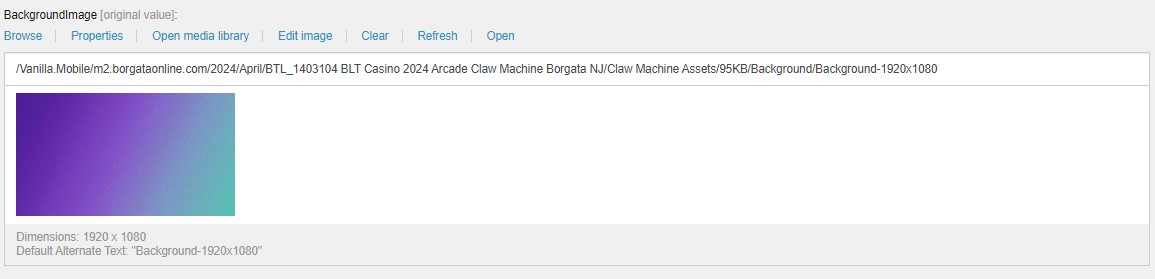
| BackgroundImage | Background-1920x1080 |
| HeaderImage | Header PNG-167x102 |
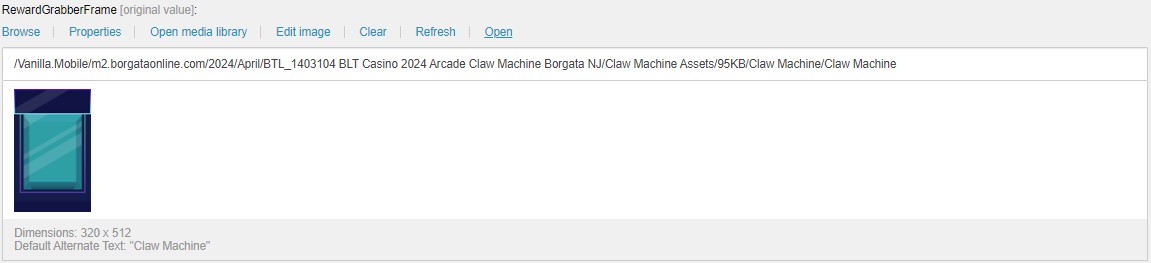
| RewardGrabberFrame | Machine Frame 320x512 |
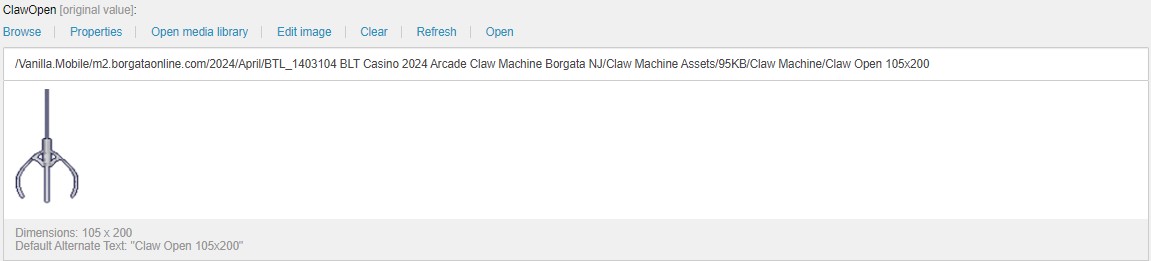
| ClawOpen | Claw Open 105x200 |
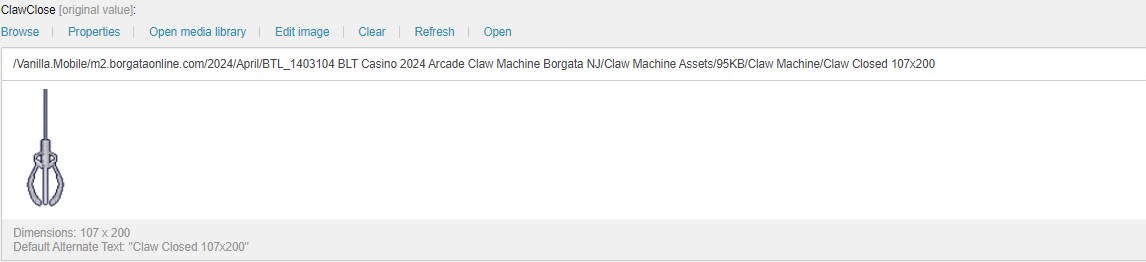
| ClawClose | Claw Closed 107x200 |
| ClawRod | Claw Rod 6x530 |
Under the GrabberItems Section. Fill up the Image Fields listed above with their corresponding image.
Claw Machine PAT
Info
For updating the Test Claw Machine PAT, go to this page for reference: Claw Machine PAT.