Spin The Wheel
Spin The Wheel is an Engagement tool for players to play and win prizes.
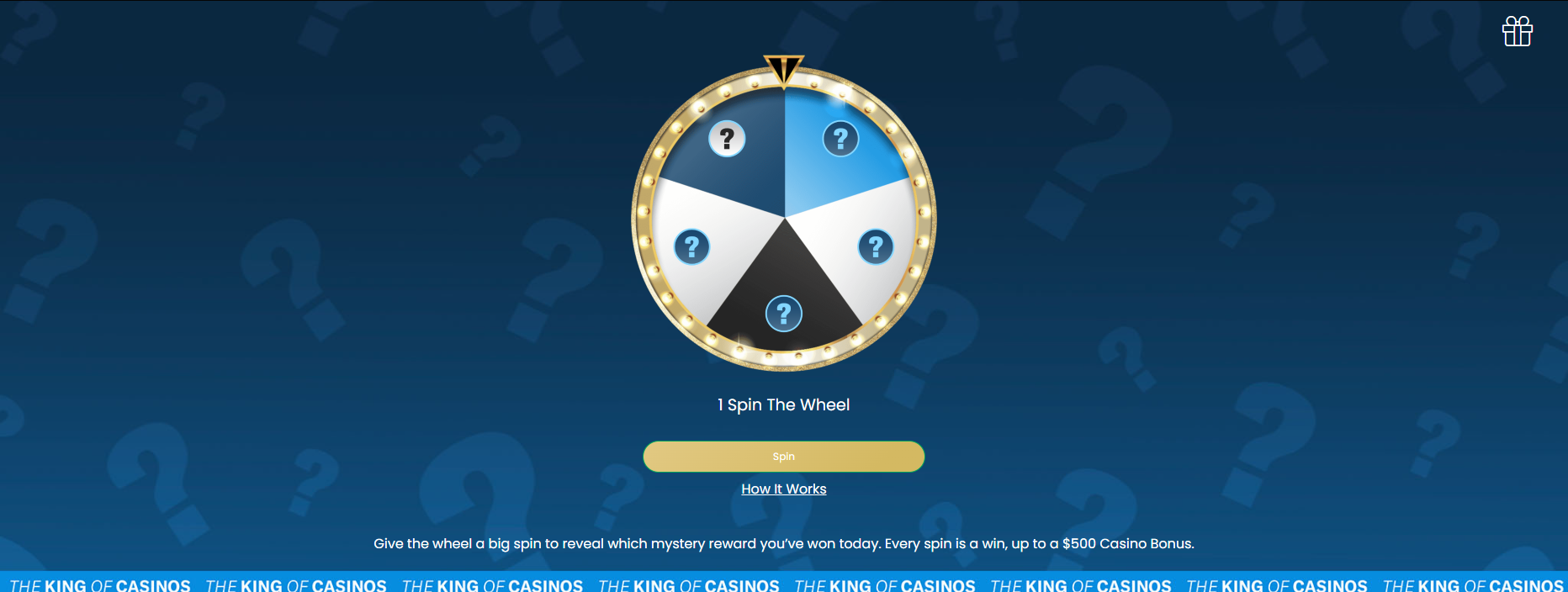
Assets
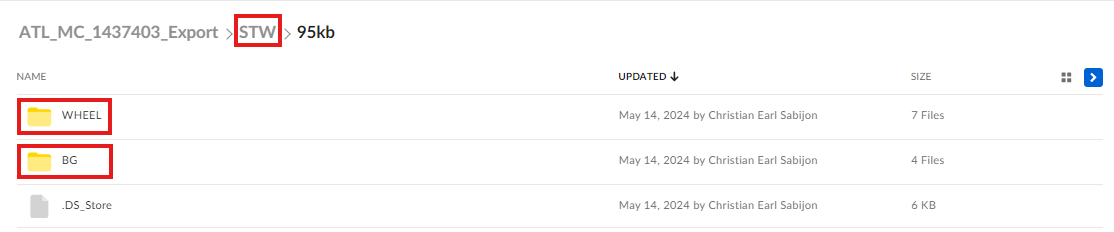
In order to properly build this component, make sure that the Box link contains a directory for the Spin the Wheel assets. These sub-directories should be included inside:
- Wheel (Wheel, Wheel Center, Ticker Color Palette)
- Background (Desktop and Mobile versions of the Background)
Design Concerns
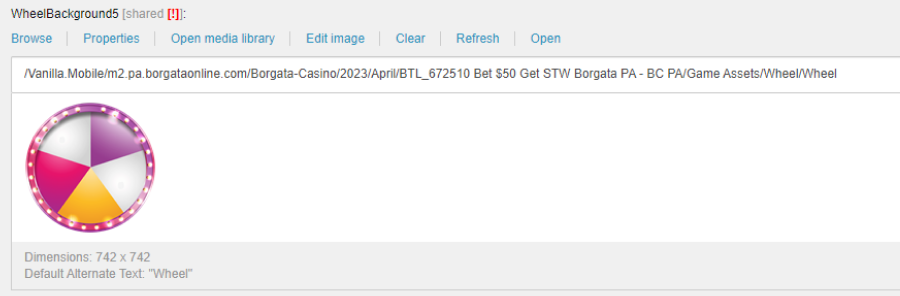
Avoid additional details inside and outside the wheel.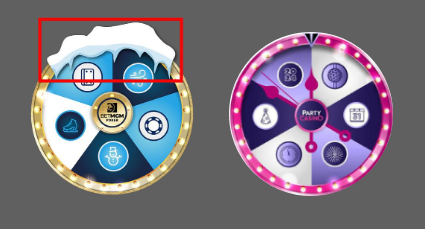
Make sure that the top of the wheel should not be centered on the wedge
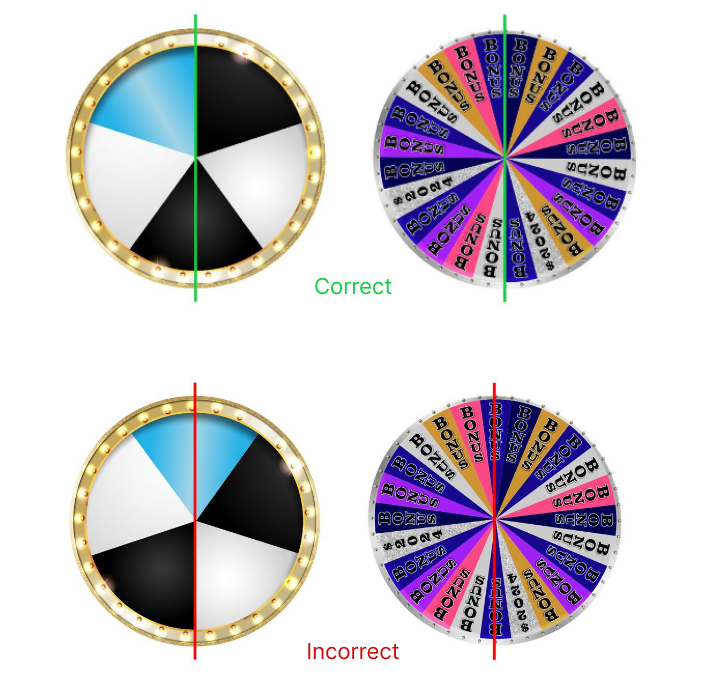
If you have found these issues, you can chat on the Design Concerns Teams group chat and inform the proper leads about adjusting the said concerns.
Building the Component
Layout: Content > Vanilla.Mobile > State/Brand > Promo > BspinLayouts
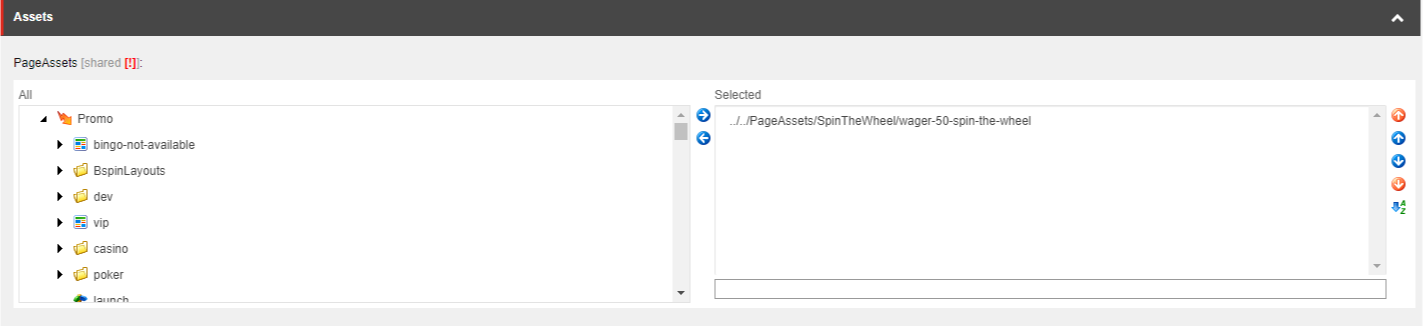
CSS asset: Content > Vanilla.Mobile > State/Brand > Promo > SpinTheWheel > PageAssets
Duplicate any of the Layouts, and rename it like in the existing layouts.
You also need to create it's own CSS asset, just duplicate existing CSS and rename as such.
Image Fields
Field | Value |
|---|---|
BSpinBackground | Background 2048x800 |
Marker | Ticker |
SpinButton | Wheel Center |
WheelBackground(s) | Wheel (without icons) |
PageAssets
Replace the selected CSS asset with your newly created asset.
Content
Fill the PageHeaderText with Promohub H1...
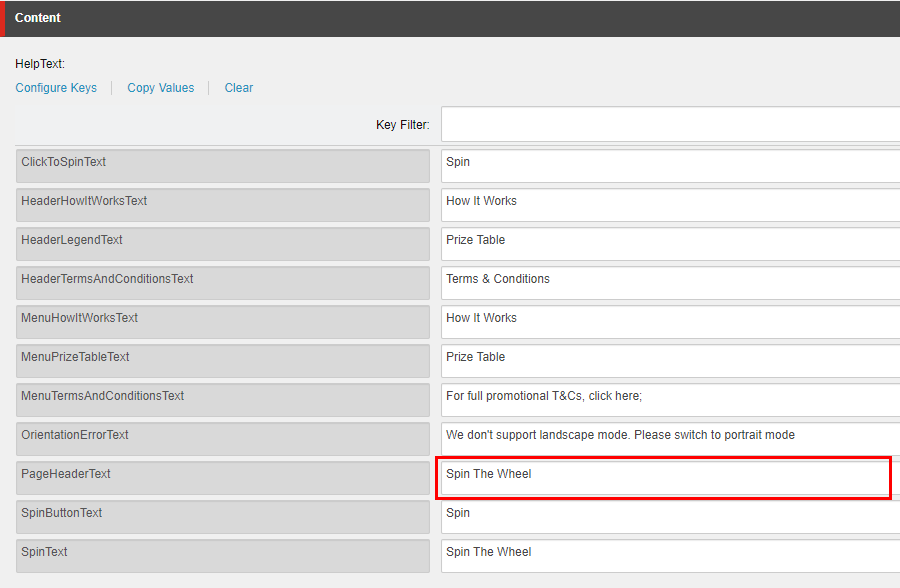
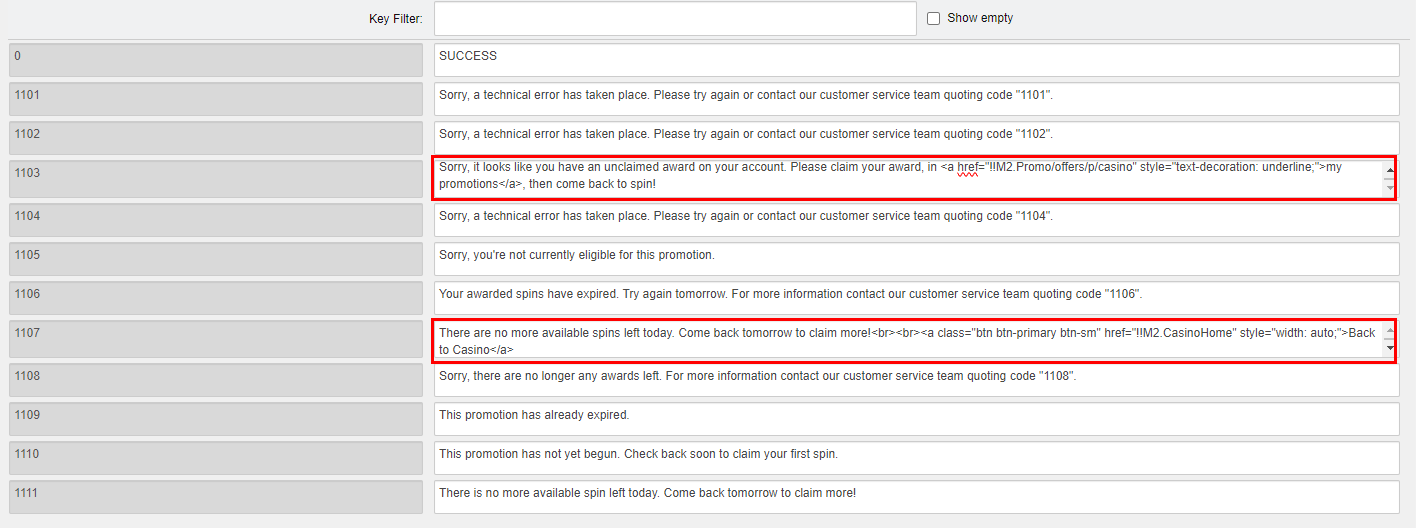
Change CTA depending on your ticket if Casino/Poker.
Overlay
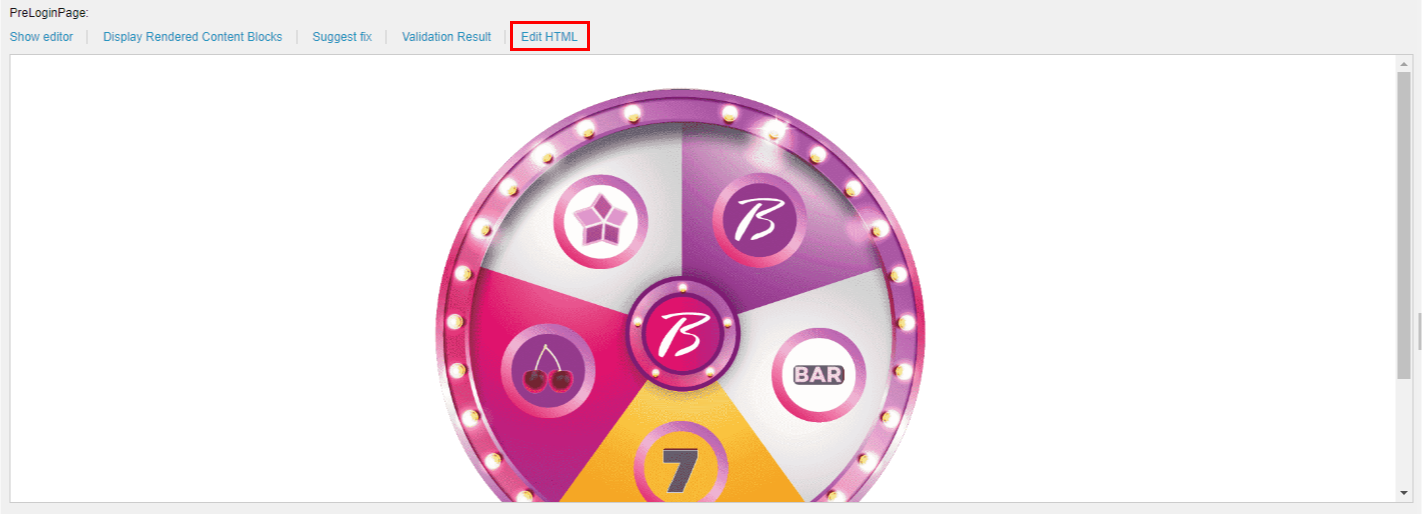
PreLoginPage: replace the img src link with the media link for Wheel with icons and the button color depending on your Brand.
Replace place this line in the html code.
<img alt="" class="wheel-static-img" src="{insert img link here}" />
PostLoginErrorPage: replace the button link depending on your ticket if Casino/Poker.

Spin The Wheel PAT
For updating the Test Spin The Wheel PAT, go to this page for reference: Spin The Wheel PAT.