Pinball
Pinball is an Engagement tool for players to play and win prizes.
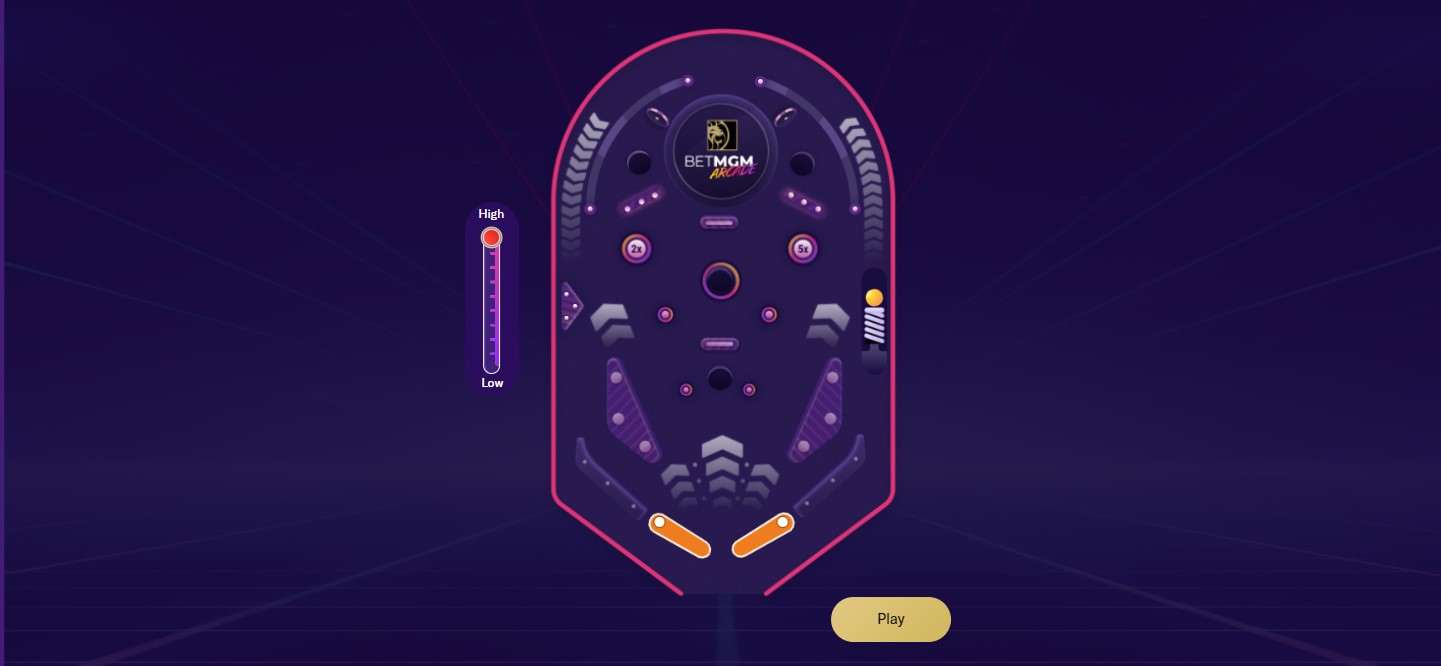
The Layout
First, we must build the layout for our Pinball Engagement tool.
Layout: Content > Vanilla.Mobile > State/Brand > Promo > pinball
It still does not have a designated folder yet.
Duplicate any Layout, and rename it like in the existing layouts.
Content
After duplicating the Layout click the dropdown go to Content, click the dropdown button and go to gamesettings.
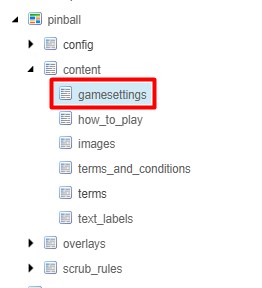
Under Parameters you can change the default_slider_value into either High, Low or Medium if it is needed to be specified but if there is none you can leave this as is.
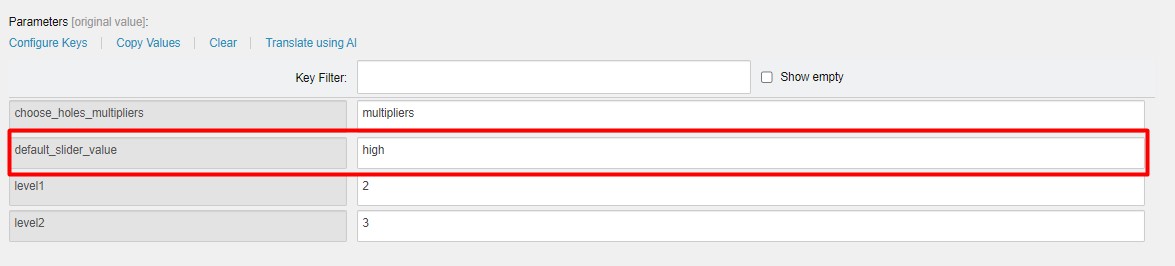
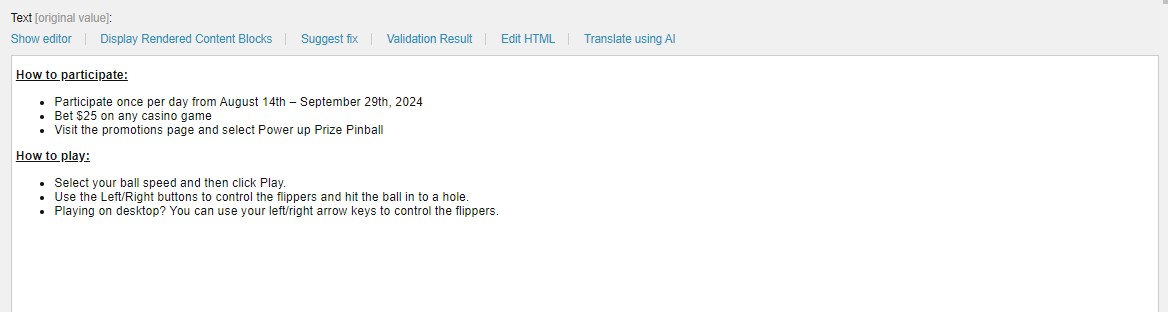
Next go to how_to_play.
In the Text you can just paste the How To Participate section in the Copy.
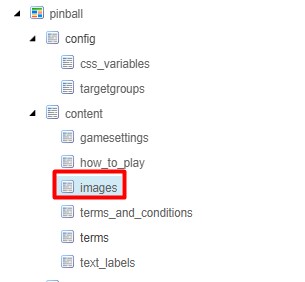
After that go to the images tab and navigate to the Parameters section. Usually there is no need to change any of the Images in this section except for the Multipliers which is highlighted below.
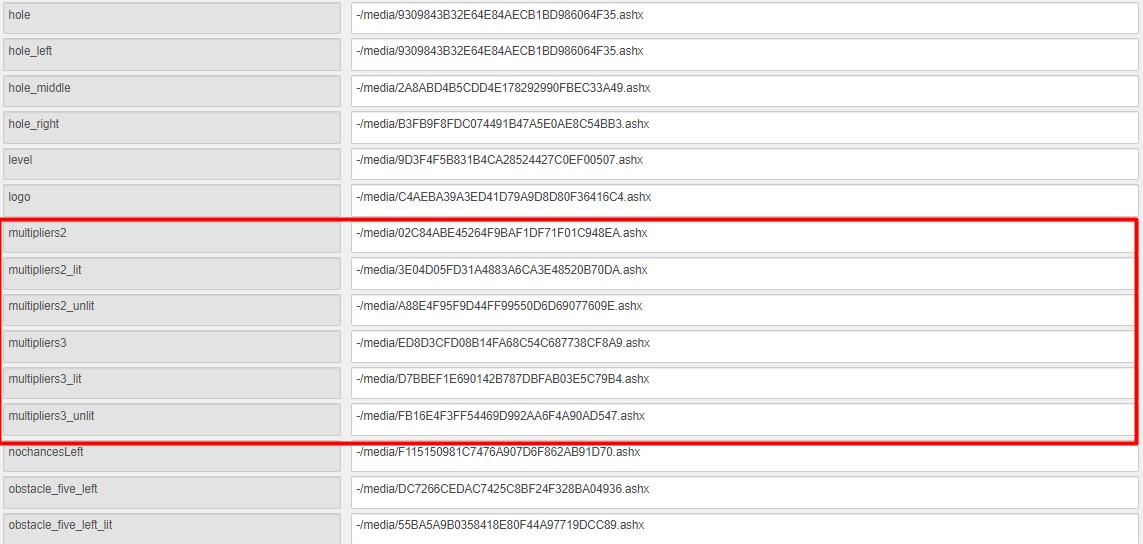
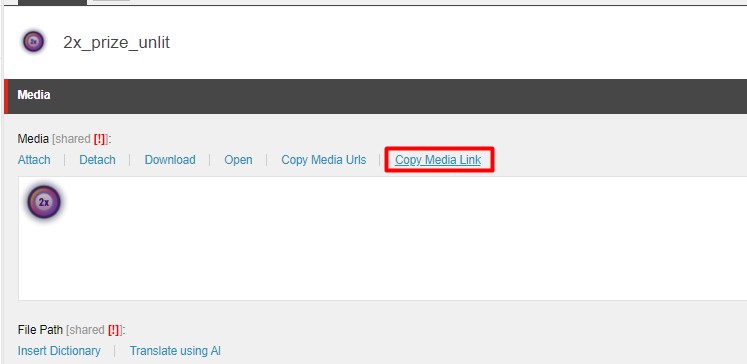
These type of links can be obtain just by going to the image in your asset and clicking Copy Media Link.
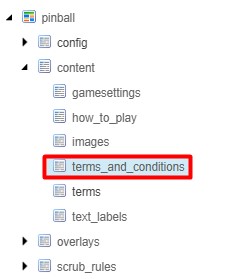
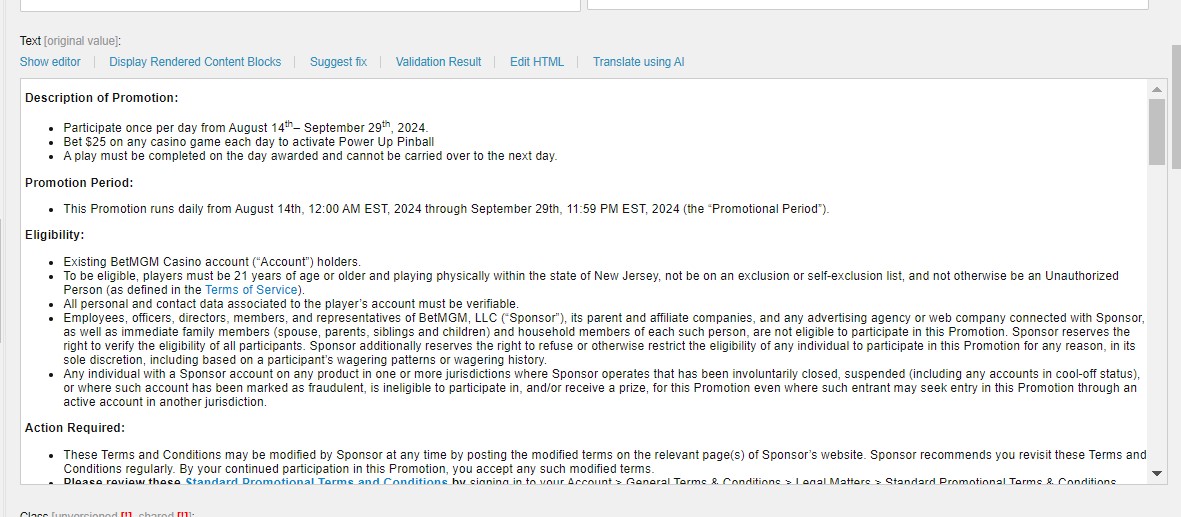
After editing the images go to the terms and conditions tab and just simply paste your Terms and conditions.
Overlay
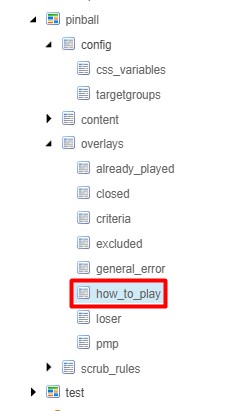
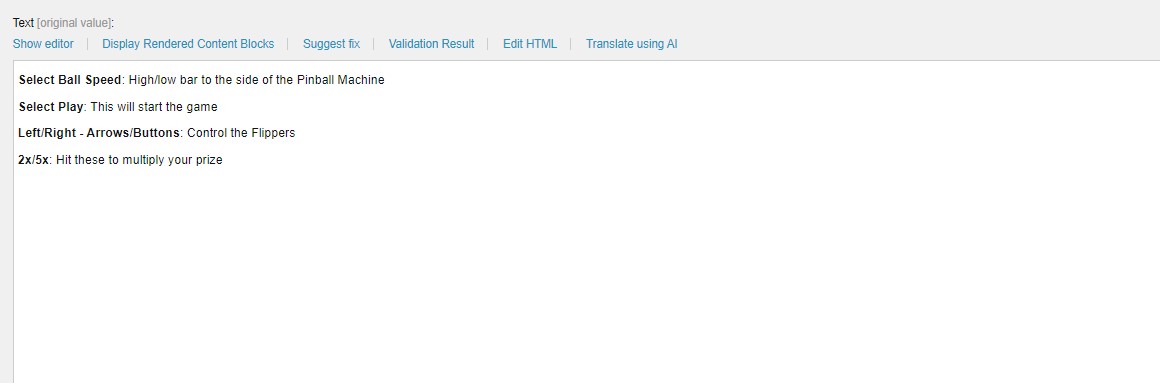
Under the overlays dropdown go to how_to_play tab and edit the Text section according to your copy.
Do not forget to save every component as you build this Layout.